


Easy access to your assets on any device
Use in your browser or add to your phone’s home screen to enjoy an app-like experience.

No store download required
Available online in your browser from any device, anywhere

Full range of features
Sign-up, deposits and withdrawals, instant exchanges, and account management

Always up to date
Automatically updated every time you log in
Minimal device resource usage
No additional storage space required on your phone
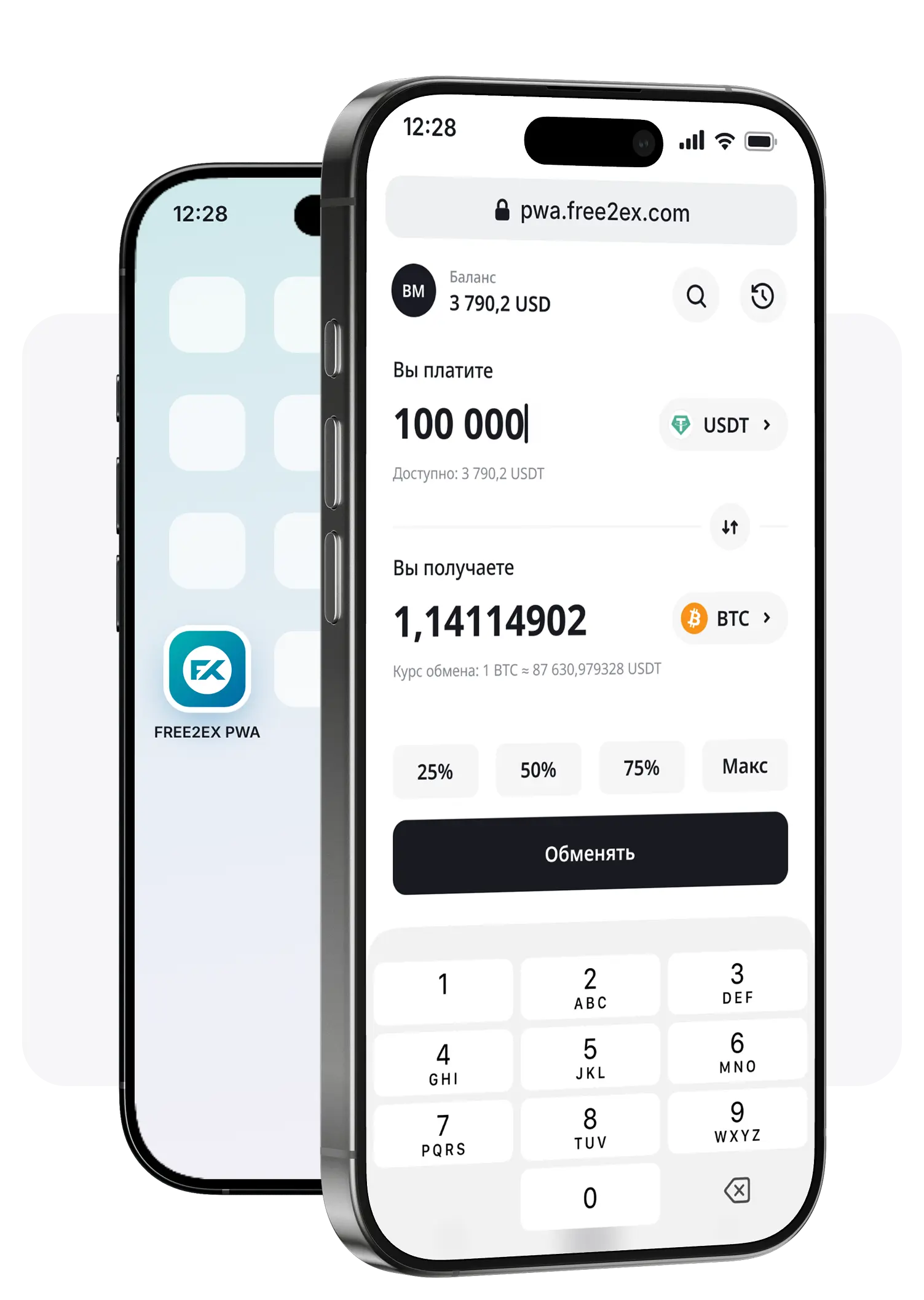
Easy access to your assets on any device
Use in your browser or add to your phone’s home screen to enjoy an app-like experience.
No store download required
Available online in your browser from any device, anywhere
Full range of features
Sign-up, deposits and withdrawals, instant exchanges, and account management
Always up to date
Automatically updated every time you log in
Minimal device resource usage
No additional storage space required on your phone
Install the Web App on your phone
Scan the QR code, open the Web App in your browser, and
add it to your home screen in just one minute.

Install the Web App on your phone
Open the Web App in your browser and add it to your home screen in just one minute.
Still have any questions?
Contact us – we’ll be happy to guide you